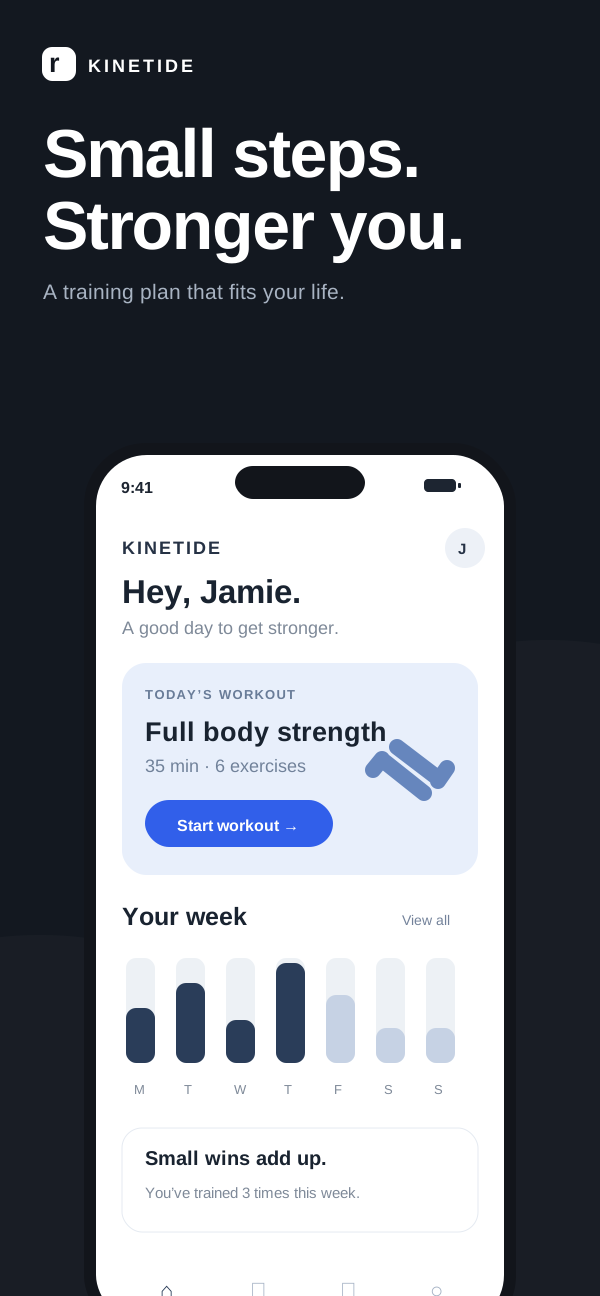
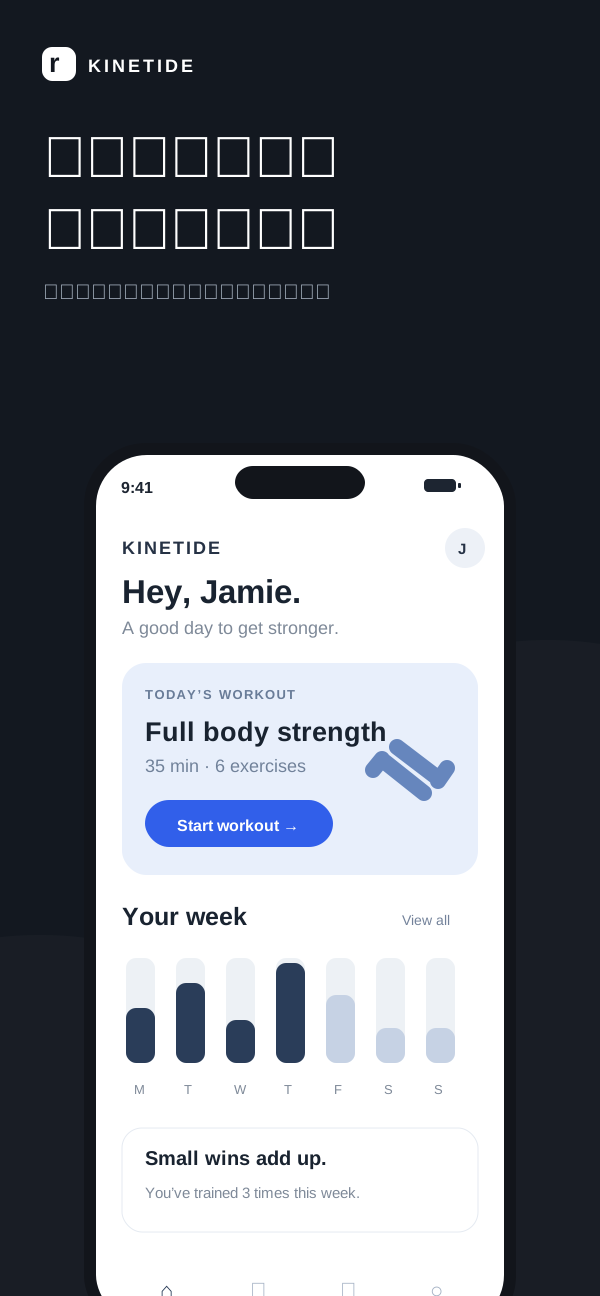
A screenshot that works in English can need a careful second pass in another language. Text length changes, line breaks move, and a short phrase may carry a different meaning. A repeatable review process keeps those changes manageable.
1. Start with a source worth translating
Choose the artwork you actually intend to publish. Fix source-copy errors, settle your screenshot order and remove temporary labels before you create translated versions. A cleaner source means fewer repeated corrections.
- Use the highest-resolution original you have.
- Give each screenshot one clear point.
- Keep a copy of the original wording outside the image.
- Confirm that the artwork reflects features available in the app.
2. Translate the benefit, then check the meaning
Read the translated headline as a message, not just a word-for-word conversion. Does it describe the same feature? Does it imply a stronger promise? A natural local expression is useful only if it is still accurate.
Keep the promise consistent, even when the phrasing changes.
For Kinetide, “Small steps. Stronger you.” introduces an approachable training habit. A localized version should keep that tone without promising a guaranteed fitness outcome.
3. Review each text region in context
Compare the original and translated artwork side by side. Start with the largest headline, then inspect supporting copy and text inside the interface. Review the whole screenshot at a realistic viewing size before zooming into details.
4. Inspect the areas where text was removed
Image repair can leave softened edges, repeated patterns or inconsistent background texture. Zoom into regions that contained the original text and compare nearby details. Pay special attention to detailed photography, thin lines and small interface elements.
If a repair looks distracting, simplify the background, adjust the composition or return to a source with editable layers. An automated warning is a useful place to start, but it cannot replace looking at the image.
5. Package a version you can identify
Use a stable screenshot order and group files by locale and destination. Keep the translated artwork and the approved copy together so the next update starts from a known version.
kinetide-v2.4/
  en-US/app-store/iphone/
    01-introduction.png
    02-training.png
  ja-JP/app-store/iphone/
    01-introduction.png
    02-training.png
Before upload, check the current store requirements and preview the files you will actually submit. Localization is finished when the meaning, the composition and the exported asset all agree.